
Internet Explorer security fix for the Crown Crier Archive
Follow these instructions if you are getting this error message.

- Click on the little gear icon in the upper right-hand corner of your
window and choose the "Internet Options" choice.
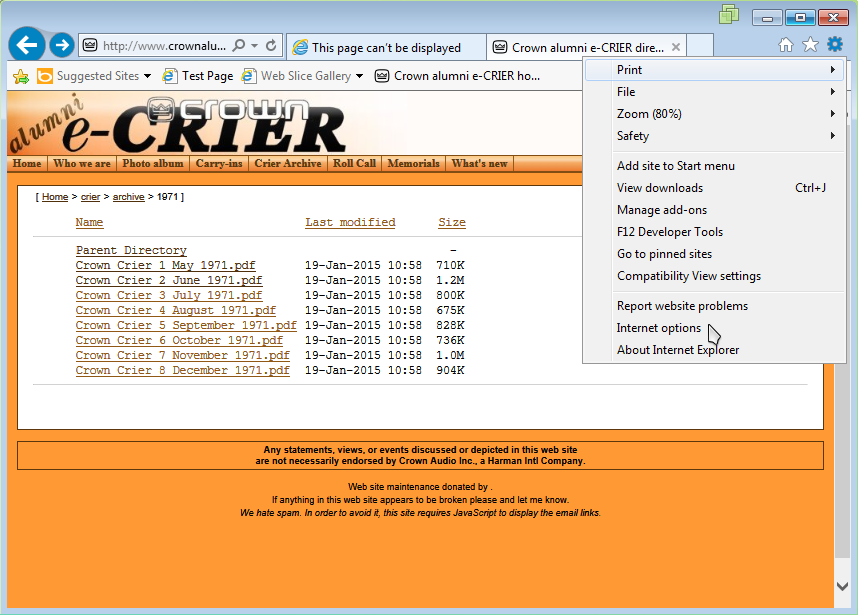
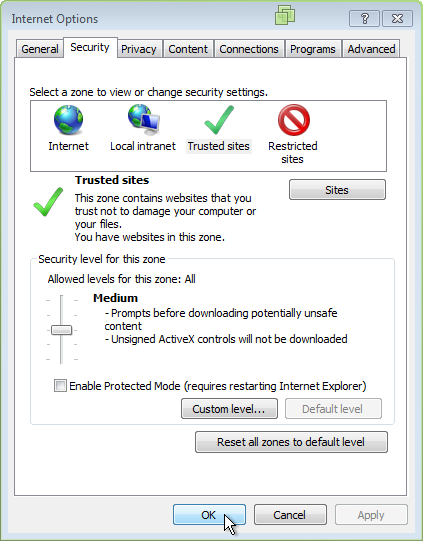
- Next, choose the "Security" tab in the Internet Options window.
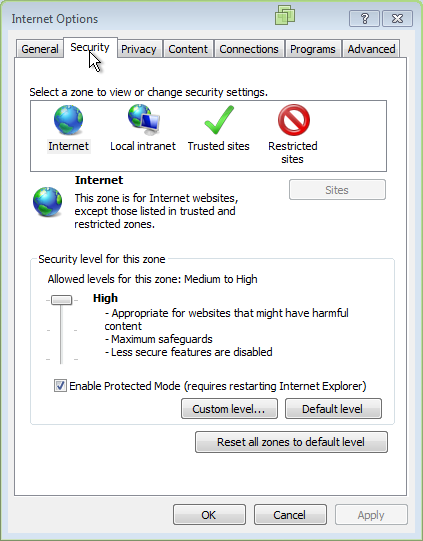
- Click on the "Trusted Sites" icon.
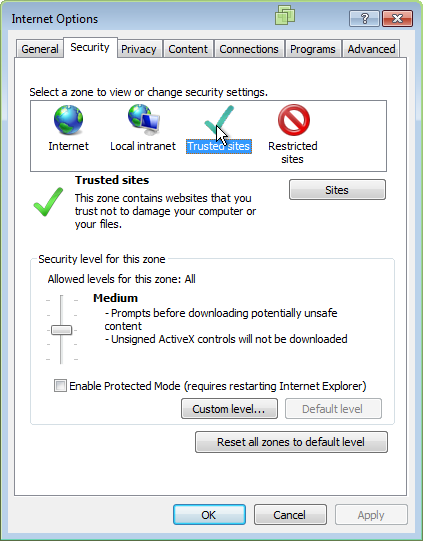
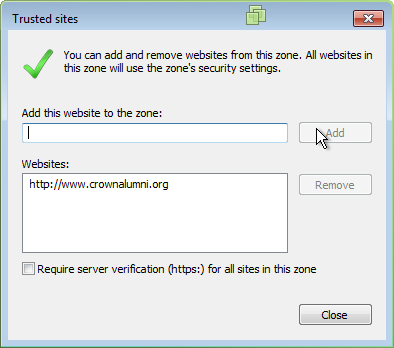
- Uncheck the "Require server verification..." option.
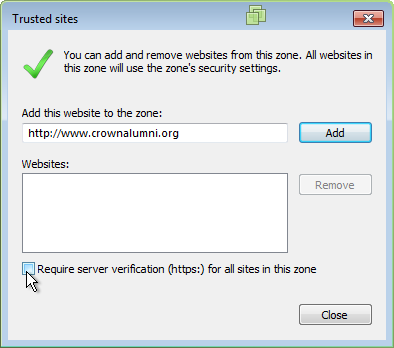
- Click the "Add" button. crownalumni.org should now be registered
as a trusted site.
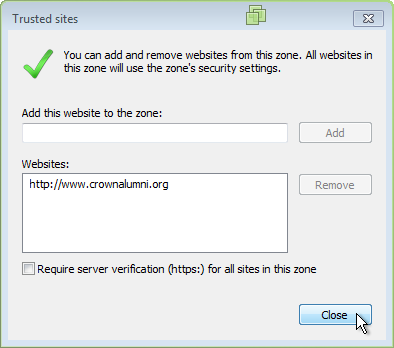
- Click the "Close" button.
- Click the "OK" button.
That's it! Go back to the Crown Crier archive and enjoy!